Fake Calendly 'Meta Careers' interview pages steal Facebook and Google logins
Malwarebytes found fake Calendly booking pages for "Meta Careers" interviews that steal Facebook and Google logins and two-factor codes in real time.
- First reported
- Reports
- 1
Source: malwarebytes.com · published
What happened
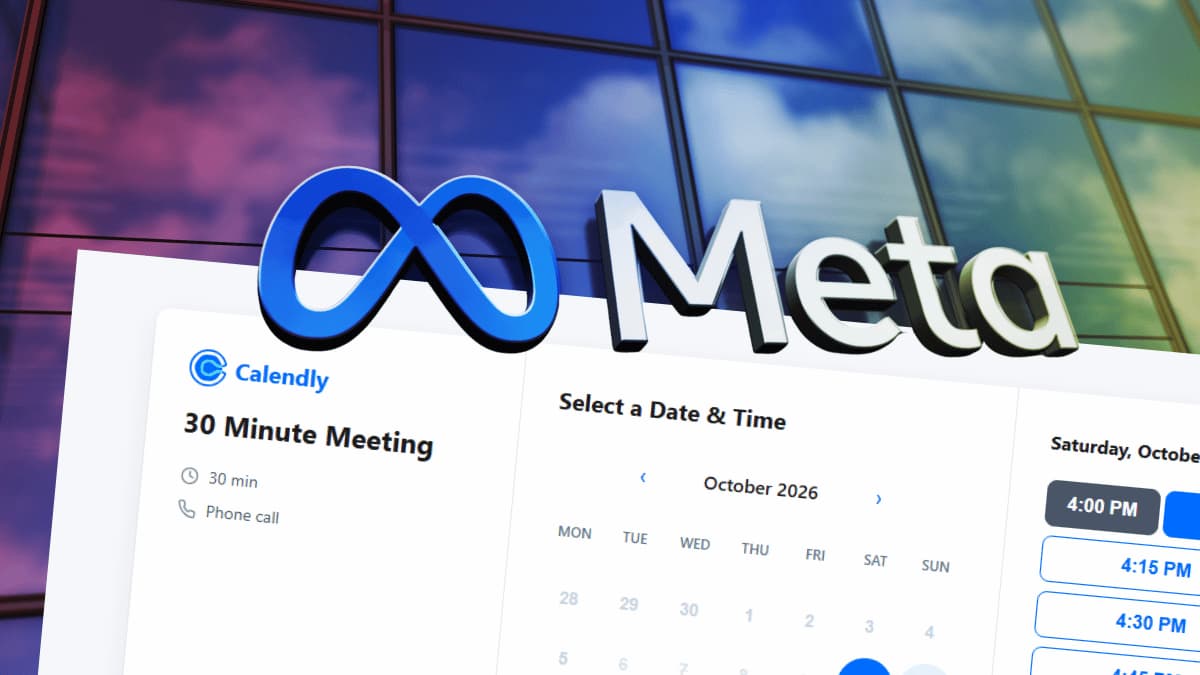
Malwarebytes reported on October 14, 2026 a wave of websites posing as Calendly booking pages for job interviews at Meta. The pages are not affiliated with Meta, Calendly or Google, which were impersonated.
Malwarebytes listed 11 phishing domains following a "join" pattern on .cfd, .info and .works, including joinhire.cfd, joinquest.info and jointheteam.cfd. Stolen data goes to a collection endpoint on Amazon API Gateway in the Singapore region; Malwarebytes says that does not establish who is behind it.
How the scam works
The page copies Calendly's booking screen, titled "Calendly | Meta Careers", with a 30-minute phone call slot. Visitors enter their name, email and phone number, pass a fake CAPTCHA, then see a fake Facebook login window with its own drawn-on address bar. If the account has two-factor authentication, it asks for the code. It then claims Facebook requires a Google sign-in and asks for the Google password and any code or phone approval.
The page stays in contact with the attackers' server, so they can try the password on the real site immediately and request the matching code before it expires. Job seekers hoping for an interview may move quickly and are used to sharing details with recruiters.
Source
Malwarebytes, "Fake Calendly 'Meta Careers' pages steal Facebook and Google logins" (October 14, 2026).
Red flags
- A booking link on an unfamiliar domain rather than calendly.com.
- Being asked to log in to Facebook or Google to book an interview.
- A login pop-up that can't be dragged outside the web page.
If you were targeted
- 1Don't give a booking page your social media password or codes.
- 2Verify the role and recruiter through the company's official careers site.
- 3If you entered details, change your Facebook and Google passwords from a trusted device, sign out other sessions, and check recovery details and Gmail forwarding rules.
- 4Use passkeys or a security key where possible.