What happened
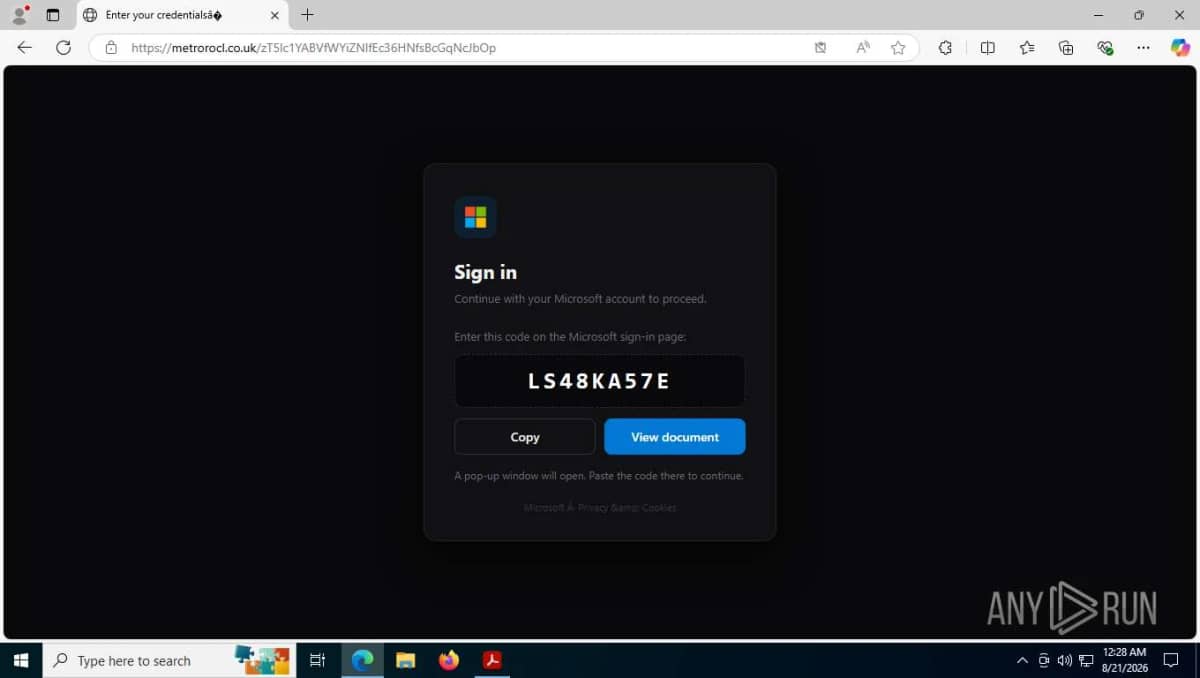
Threat-intelligence service Threadlinqs published on 13 November 2026 an analysis of a Huntress-reported spear-phishing attack in which a fake 'Microsoft Teams Meeting Scheduler' booking page tricked a victim into entering an attacker-generated Microsoft device code, shown as a 'Booking Reference', on Microsoft's real device-login page, handing over their Microsoft 365 session even where MFA is used. According to the analysis, the lure email came from a typosquatted domain and impersonated a senior executive at another construction company proposing a supply partnership; the link went through a share.google short link to the lure page, whose backend was gpimmlgration[.]com. After the code was entered, the page redirected to a Calendly booking page as cover. Microsoft, Google and Calendly are abused and are not the operators. Never enter a code on microsoft.com/devicelogin unless you started the sign-in yourself. Source: https://intel.threadlinqs.com/threat/TL-2026-5941
How the scam works
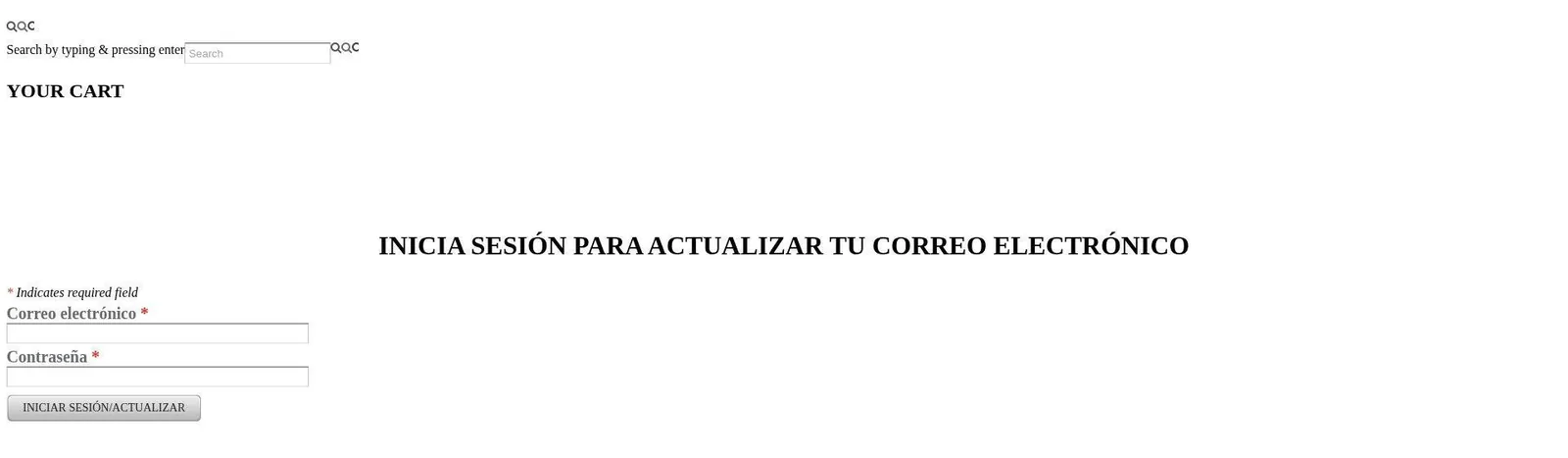
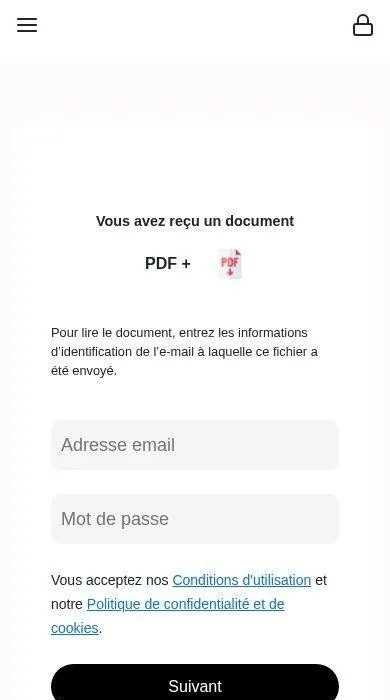
These pages copy a familiar login, payment or delivery form so that a typed password, one-time code, card number or other personal detail goes to the operator rather than to the real company. The address is often a look-alike domain, a newly registered shop, or a free host such as Weebly, Wix, Firebase, Vercel, Workers or Pages. Some kits cloak the real form from scanners and only show it in certain countries or to certain devices. The brand whose name or logo appears is being impersonated and is not involved, unless the report says the page was planted on a compromised official site, in which case only that path is the phishing lure. Open the official app or type the company's real address yourself. If you already entered a password or a card number, change the password on the official site, turn on a new two-factor method, and contact the company and your bank.
Source
Source: https://intel.threadlinqs.com/threat/TL-2026-5941