What happened
Anti-phishing project PhishDestroy posted a 'PHISHING DETECTED' alert for location-cloud-ld[.]help on Mastodon on 23 November 2026. According to PhishDestroy's analysis page, location-cloud-ld.help shows an Apple logo with the heading 'Inicia sesión con tu cuenta de Apple' and asks for an email or phone number, followed by a 'Continuar' button and a passkey option. It records Spamhaus DBL and OpenPhish listings, a malicious urlscan verdict and 9 of 92 VirusTotal engines flagging the site, scores it 90/100 (critical), and says the domain was registered on 23 November 2026 through Sav.com. PhishDestroy links it to i-cloud.ink (VirusTotal 7/92, OpenPhish, Spamhaus, urlscan 'apple' phishing; registered 22 November 2026) and lcloud-supportt.us (VirusTotal 6/92, OpenPhish, Spamhaus DBL phishing, urlscan 'apple' phishing), which it lists as related infrastructure on the same network. PhishDestroy notes that real Apple services run on apple.com; Apple is not implicated.
How the scam works
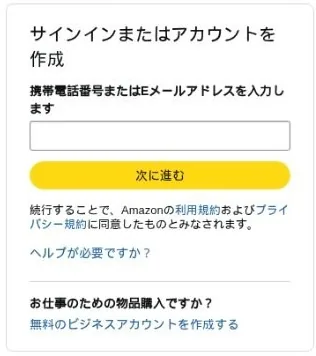
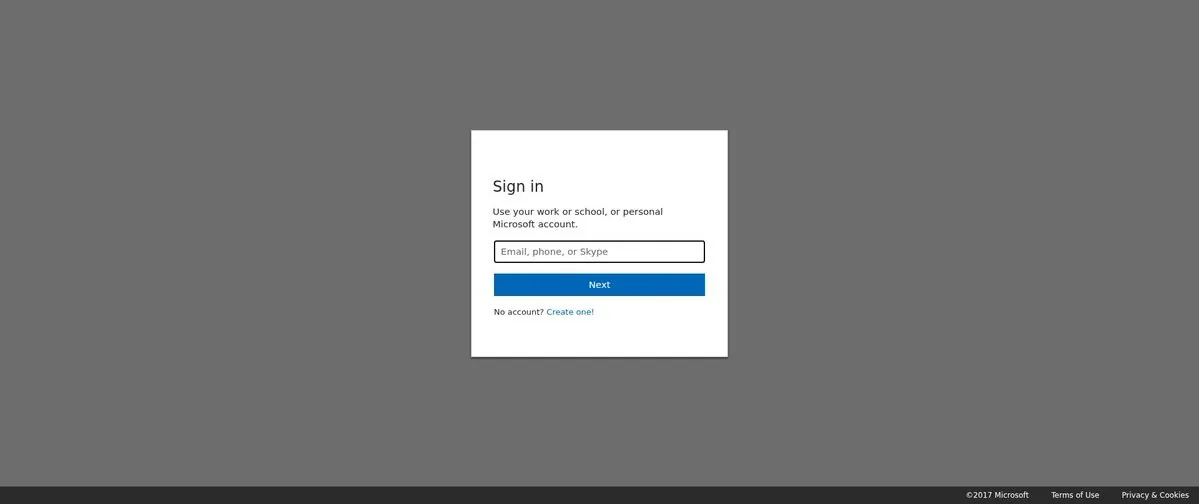
These pages copy a familiar login, payment or delivery form so that a typed password, one-time code, card number or other personal detail goes to the operator rather than to the real company. The address is often a look-alike domain, a newly registered shop, or a free host such as Weebly, Wix, Firebase, Vercel, Workers or Pages. Some kits cloak the real form from scanners and only show it in certain countries or to certain devices. The brand whose name or logo appears is being impersonated and is not involved, unless the report says the page was planted on a compromised official site, in which case only that path is the phishing lure. Open the official app or type the company's real address yourself. If you already entered a password or a card number, change the password on the official site, turn on a new two-factor method, and contact the company and your bank.
Source
Source: https://mastodon.social/@phishdestroy/117667461118973836 (PhishDestroy (@phishdestroy@mastodon.social), Nov 23, 2026, 2:42 PM ET)
Also: i-cloud.ink: https://mastodon.social/@phishdestroy/117667538182820600 (3:02 PM ET); lcloud-supportt.us: https://mastodon.social/@phishdestroy/117667462786779008 (2:43 PM ET)