What happened
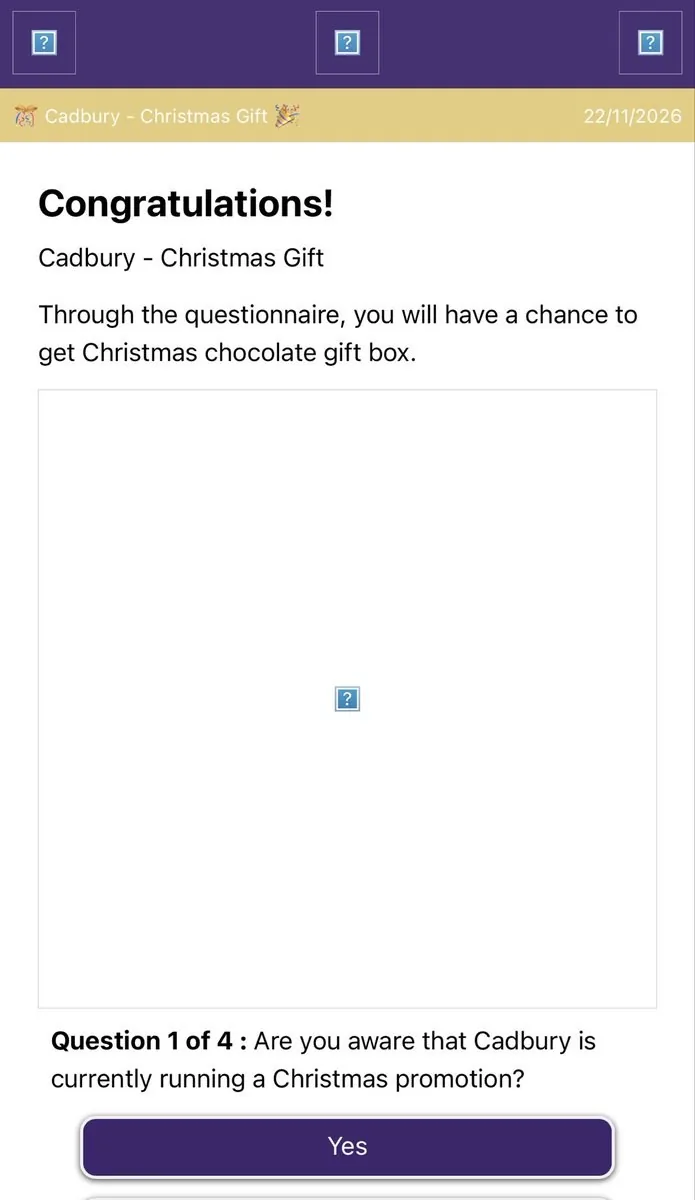
Security researcher @masaomi346 posted on X on 19 November 2026 a chain of 'Compromised Site -> ClickFix' naming reoddium-thistle.pro as the malicious domain, with a link to urlscan.io results. The screenshots in the post show a legitimate-looking site overlaid with a fake Cloudflare '人間確認' (human verification) box in Japanese that tells the visitor to press Win+X, open Terminal, press Ctrl+V and press Enter - a 'ClickFix' trick that makes the victim paste and run a malicious command copied to their clipboard. The compromised website itself is not named here because its owner is presumably a victim. Cloudflare is impersonated, not involved. Real CAPTCHA checks never ask you to open a terminal or paste commands; close the page if one does.
How the scam works
These pages copy a familiar login, payment or delivery form so that a typed password, one-time code, card number or other personal detail goes to the operator rather than to the real company. The address is often a look-alike domain, a newly registered shop, or a free host such as Weebly, Wix, Firebase, Vercel, Workers or Pages. Some kits cloak the real form from scanners and only show it in certain countries or to certain devices. The brand whose name or logo appears is being impersonated and is not involved, unless the report says the page was planted on a compromised official site, in which case only that path is the phishing lure. Open the official app or type the company's real address yourself. If you already entered a password or a card number, change the password on the official site, turn on a new two-factor method, and contact the company and your bank.
Source
Source: https://x.com/masaomi346/status/2123390325112889565 (@masaomi346 on X, Nov 19, 2026, 7:17 AM ET)