Skip to content
Scammers.com
ImpersonationReviewed

Researcher: fake Saison Card 'crime-prevention app' notice on jonesroadbeayut.shop pushes Android malware

In briefJapanese security researcher @masaomi346 posted on X on 18 November 2026 that a link on jonesroadbeayut.shop distributes Android malware disguised as a crime-prevention (防犯) app, and linked a VirusTotal entry for the…

First reported
Updated
Reports
1

Source: x.com · published

Illustration: Impersonation scams

What happened

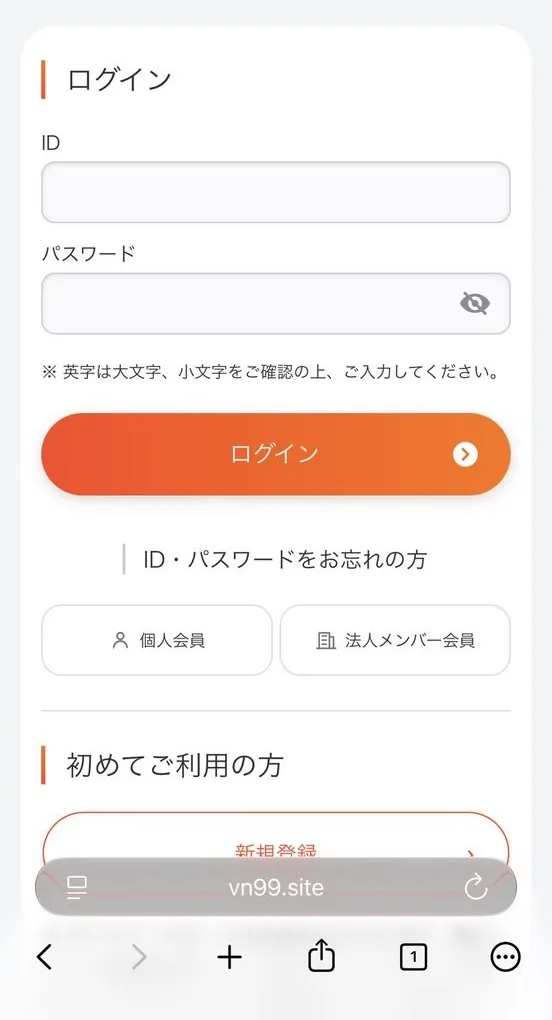
Japanese security researcher @masaomi346 posted on X on 18 November 2026 that a link on jonesroadbeayut.shop distributes Android malware disguised as a crime-prevention (防犯) app, and linked a VirusTotal entry for the sample. The post's screenshot shows a page styled as a Saison (Sezon) Card notice warning customers about phishing emails and announcing a 'crime-prevention app installation'. Saison Card is not the operator; the page misuses its name. Legitimate card companies do not ask you to install security apps from links in emails or texts. Source: https://x.com/masaomi346/status/2122997905472864739

How the scam works

Impersonation schemes borrow a trusted name — a school, a police force, a bank, a well-known person or a regulator-registered firm — so that a message, a website or a phone number looks official. The real organisation is not involved and will not ask you to pay, log in or send money through a surprise link or an unlisted number. Look up the official contact details yourself and call or write there. If you have already paid or given personal information, contact your bank and report the incident to the police or your national cyber-crime service.

If a message, a page or a caller creates urgency about money, a login or a legal threat, pause and check the claim through a contact method you already trust. Keep screenshots, reference numbers and the exact addresses or phone numbers you were given, and tell your bank early if money has already left the account. Official brands and authorised firms named in a lure are not involved unless a primary source says otherwise.

Source

Source: https://x.com/masaomi346/status/2122997905472864739
Red flags

  • A message, page, group or phone number that uses a trusted organisation's or person's name, logo or contact details.
  • A request to pay, log in, or send money or personal information through an unofficial number or link.
  • Contact details that do not match the ones on the organisation's official website.
  • Urgency about an admission, a refund, a fine, an investigation or a limited offer.

If you were targeted

  1. 1Do not pay or log in through a link or number from the unexpected message.
  2. 2Look up the official website or phone number yourself and contact the organisation there.
  3. 3If you have already paid or shared information, contact your bank and report it to the police or your national cyber-crime service.
  4. 4Report the fake page, group or number to the platform and to the real organisation.
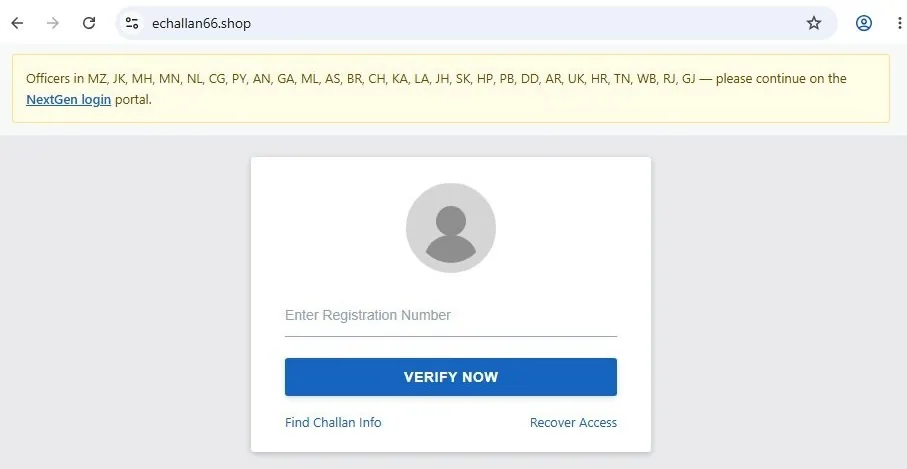
Fake e-Challan site echallan66.shop asking for a vehicle registration number, government logos cropped out

23 fake Indian e-Challan traffic-fine sites push an Android app; researcher lists echallan66.shop, 3echa.cam and more

Security researcher @Malwarehunterr reported on 21 November 2026 what the post calls 'another 24' fake e-Challan websites (its list has 23 unique domains; echallan1[.]cam appears twice) impersonating India's road-transport traffic-fine portal, all on IP 192.253.228[.]163. The listed domains are…

  • echallan66.shop
  • Also 3echa.cam, echallan1.cam, echallana.cam, echa.shop, echa.qpon and 17 similar; IP 192.253.228.163
Reported Nov 21, 20261 report