What happened
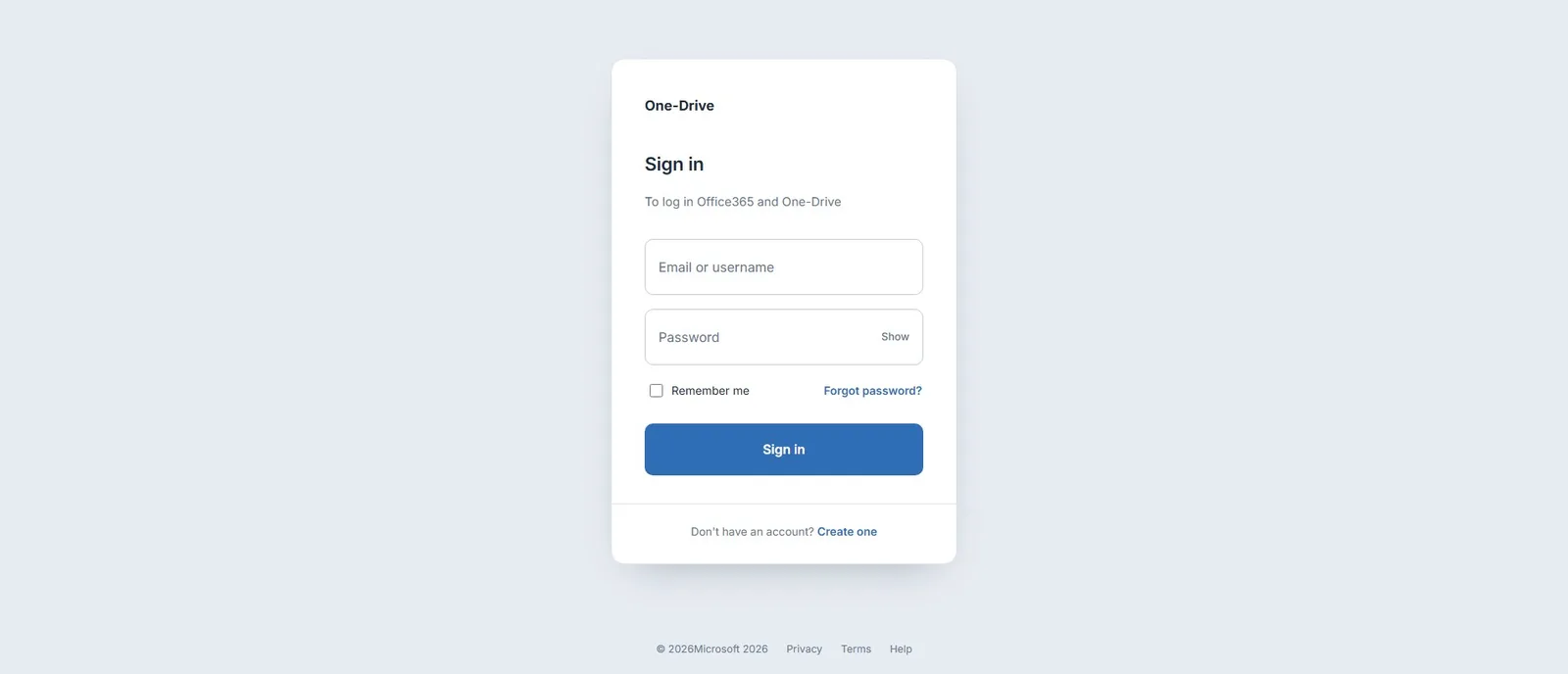
ScanMalware reported six more Cloudflare Pages hosts running the analyst-vetted Meta 'Page Appeal' credential-phishing kit between 10:22 AM and 11:32 AM ET on 28 November 2026: zsb1s-w7w-ebll-jpur9-24-10-2026-aa[.]pages[.]dev, daqmero-mpt-qulfani-r7d9ka45[.]pages[.]dev, zunqelo-mpt-vafzani-h6d2ka95[.]pages[.]dev, 9ei16-gfh-6mk0-5dfcz-08-11-2026-aa[.]pages[.]dev, 19m00-fdw-hjz4-rcnku-26-09-2026-hh[.]pages[.]dev and 9mm4i-b3e-x902-ta322-14-11-2026-aa[.]pages[.]dev. The pages use titles such as 'Meta for Business | Page Appeal' and 'Meta Security Center' and threaten that an ad account and Facebook Page will be 'permanently suspended' within 48 hours unless an appeal is filed; ScanMalware noted that the kit sends scanners to the real facebook.com to hide the credential form. Five of the hosts are on the Phishing Army blocklist. Meta and Cloudflare are being misused and are not involved; Meta does not handle appeals on pages.dev sites. Visitors should not enter passwords, card numbers, seed phrases or one-time codes on pages reached from unexpected emails, texts, ads or social-media links.
How the scam works
Impersonation schemes borrow a trusted name — a school, a police force, a bank, a well-known person or a regulator-registered firm — so that a message, a website or a phone number looks official. The real organisation is not involved and will not ask you to pay, log in or send money through a surprise link or an unlisted number. Look up the official contact details yourself and call or write there. If you have already paid or given personal information, contact your bank and report the incident to the police or your national cyber-crime service.
Source
Source: https://infosec.exchange/@scanmalware/117694942708337562 (ScanMalware (@scanmalware@infosec.exchange) on Mastodon, Nov 28, 2026, 11:11 AM ET)