Skip to content
Scammers.com
PhishingReviewed

USPS-themed 'VMTS' login page on Azure host usps-vmts.azurewebsites.net reported by phishunt.io

In briefThe phishing-tracking account phishunt.io posted on 24 November 2026 that usps-vmts[.]azurewebsites[.]net is hosting USPS phishing on Microsoft Azure (IP 52.165.237.15, AS8075). The account's screenshot shows a 'USPS…

First reported
Updated
Reports
1

Source: x.com · published

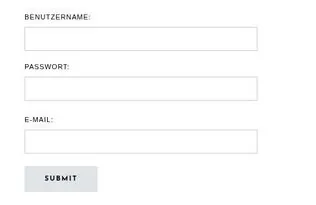
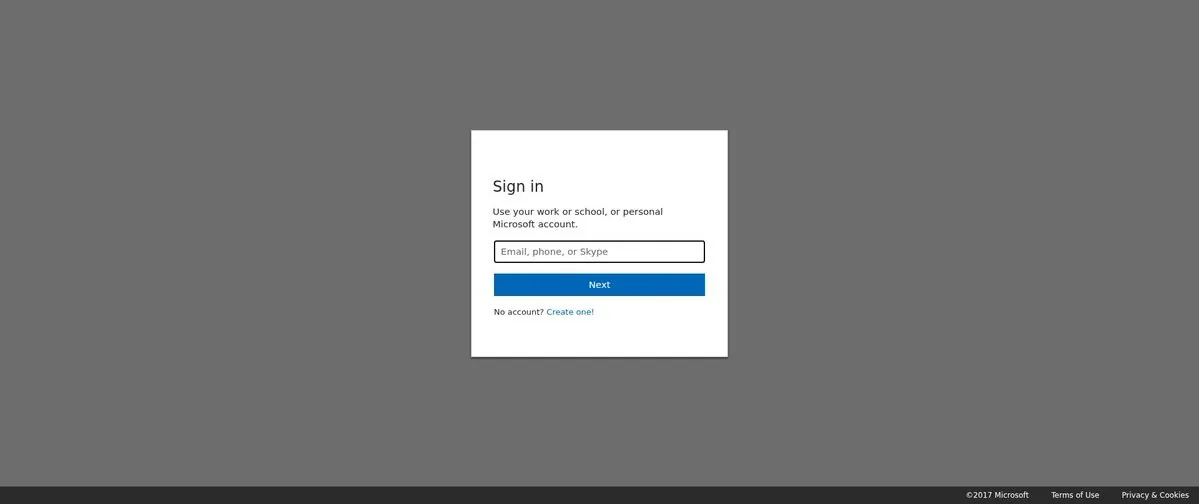
USPS-themed VMTS login form asking for an email address and password, with a Login button; the USPS eagle logo has been cropped out
Image: @phishunt_io

What happened

The phishing-tracking account phishunt.io posted on 24 November 2026 that usps-vmts[.]azurewebsites[.]net is hosting USPS phishing on Microsoft Azure (IP 52.165.237.15, AS8075). The account's screenshot shows a 'USPS VMTS' branded login box asking for an email address and password. urlscan.io captures throughout 24 November recorded the page title 'Account Login', and the hostname is on the Phishing Army community blocklist (24 November build). The site is on a generic Azure web-app subdomain, not on a usps.com address. The U.S. Postal Service and Microsoft are being misused and are not involved. Visitors should not enter passwords, card numbers or one-time codes on pages reached from unexpected emails or texts.

How the scam works

These pages copy a familiar login, payment or delivery form so that a typed password, one-time code, card number or other personal detail goes to the operator rather than to the real company. The address is often a look-alike domain, a newly registered shop, or a free host such as Weebly, Wix, Firebase, Vercel, Workers or Pages. Some kits cloak the real form from scanners and only show it in certain countries or to certain devices. The brand whose name or logo appears is being impersonated and is not involved, unless the report says the page was planted on a compromised official site, in which case only that path is the phishing lure. Open the official app or type the company's real address yourself. If you already entered a password or a card number, change the password on the official site, turn on a new two-factor method, and contact the company and your bank.

Source

Source: https://x.com/phishunt_io/status/2125212999883329668 (phishunt.io (@phishunt_io) on X, Nov 24, 2026, 8:00 AM ET)

Red flags

  • A login, payment or 'verification' page on a look-alike, newly registered or free-hosting address that copies a well-known brand.
  • A message, ad or pop-up that pressures you to sign in, pay or confirm a code through a link.
  • A request for a password, a one-time or 2FA code, a card number, a government ID or a recovery phrase.
  • The real company's name or logo used on a site that is not its official address.

If you were targeted

  1. 1Do not enter passwords, codes or card details on a page you reached from an unexpected message or ad.
  2. 2Open the official app or type the company's real address yourself.
  3. 3If you already entered details, change the password on the official site, review devices and payments, and contact the company and your bank.
  4. 4Report the link to the brand and to your national cyber-crime or CERT service.
PhishingReviewed

Adobe-themed phishing domain hequicom.com flagged by Google Safe Browsing, OpenPhish and urlscan

Anti-phishing project PhishDestroy posted a 'PHISHING DETECTED' alert for hequicom[.]com on Mastodon on 24 November 2026. According to PhishDestroy's evidence page, hequicom.com (captured page title 'Background Image…

  • hequicom.com
  • Adobe-linked phishing; Google Safe Browsing Social Engineering; OpenPhish; VirusTotal 11/92; conflicting registration records (8 Oct 2019 OpusDNS / 2 Sep 2026 NameSilo; may be a compromised host)
Reported Nov 24, 20261 report