What happened
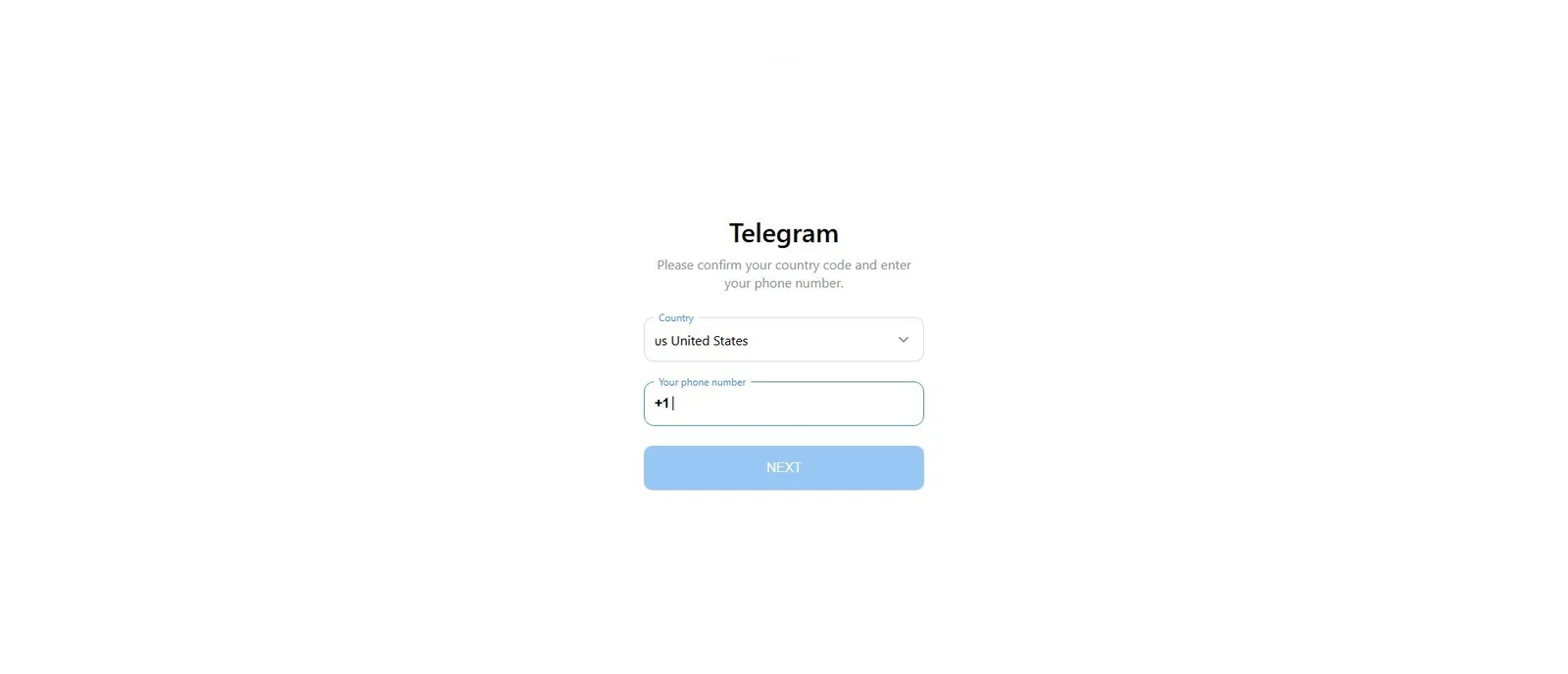
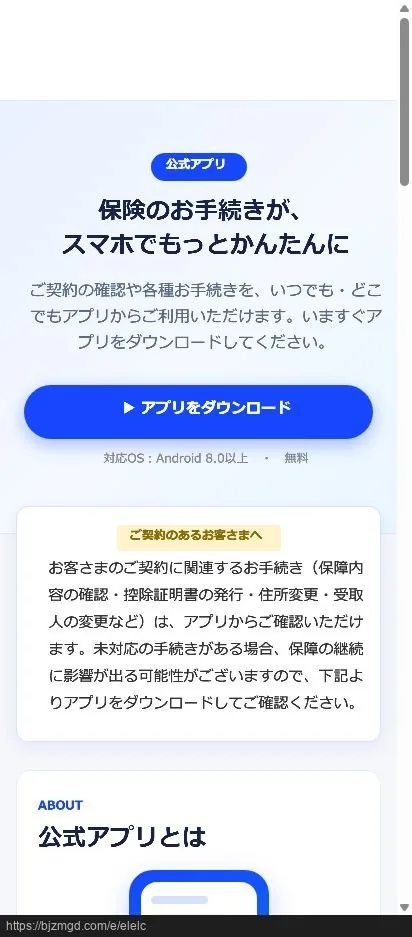
PhishDestroy flagged two pages copying the Ledger hardware-wallet brand on 27 November 2026. penguinstop.site, registered on 26 November, uses the page title 'Ledger Wallet (formerly Ledger Live): The all-in-one crypto wallet app' and, according to PhishDestroy, mimics the Ledger brand to request user credentials and asset access; PhishDestroy rates it 'Dangerous', with 9 of 92 VirusTotal engines flagging it. apps-desktopcdn.mysoftr.app, hosted on the Softr site builder, mimics the official 'Ledger Live Desktop' software page and is flagged by urlscan.io, according to PhishDestroy (65/100). Fake Ledger download pages typically deliver trojanised wallet software or ask for the 24-word recovery phrase, which lets criminals empty the wallet. Ledger and Softr are being misused and are not involved. Download Ledger software only from ledger.com, and never type a recovery phrase into any website or app. Visitors should not enter passwords, card numbers, seed phrases or one-time codes on pages reached from unexpected emails, texts, ads or social-media links.
How the scam works
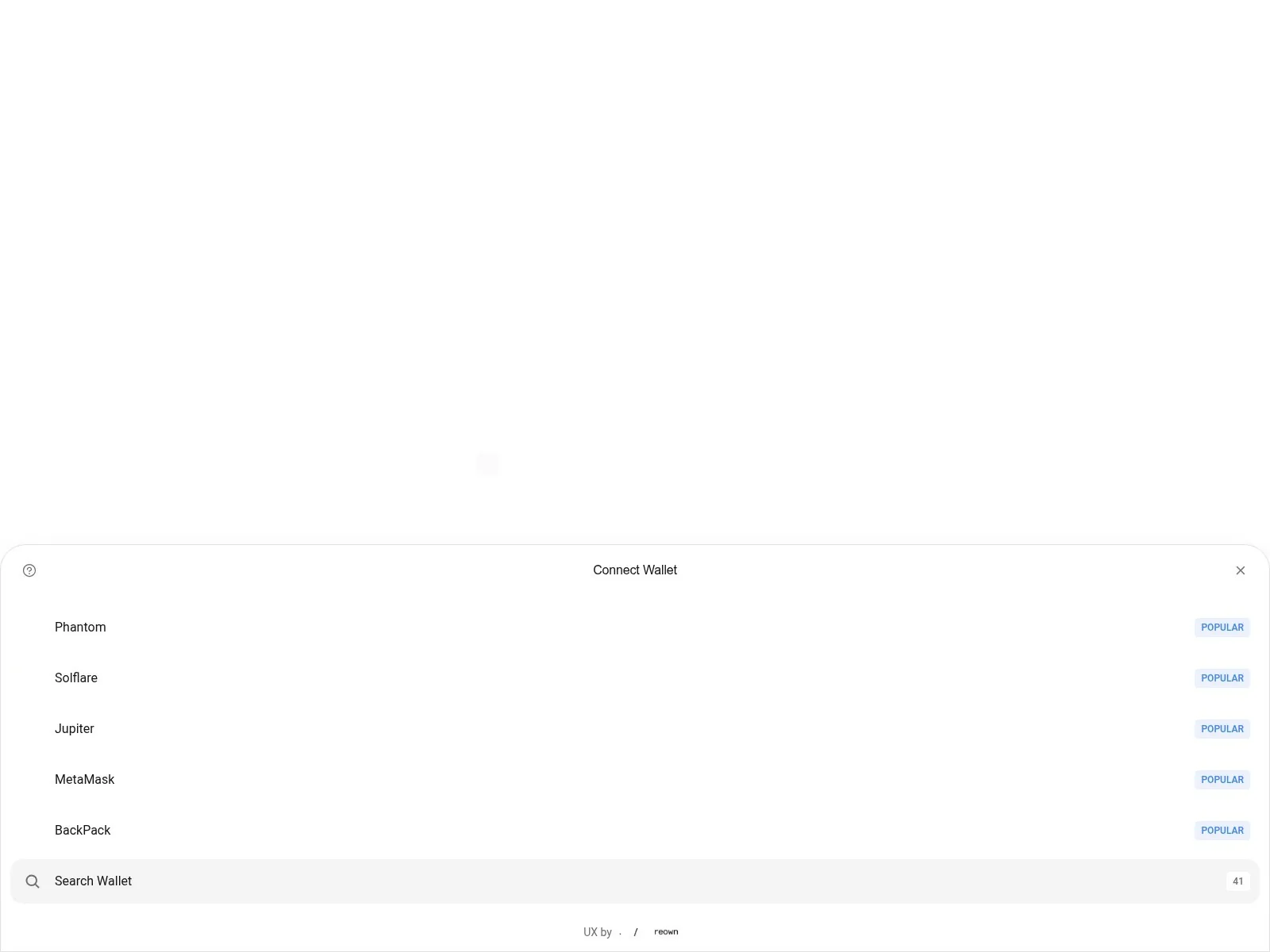
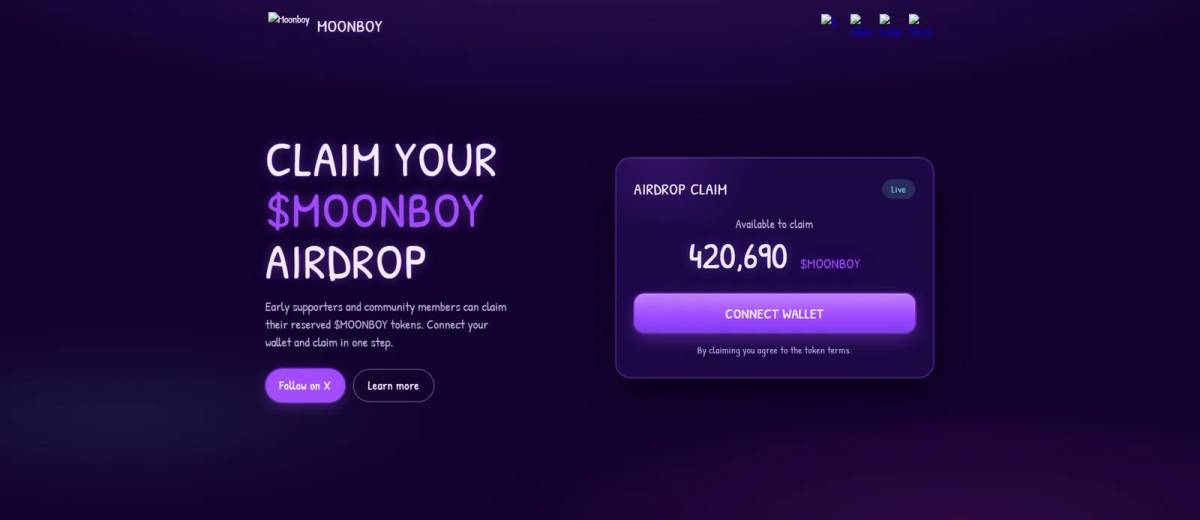
Crypto phishing and draining sites ask you to connect a wallet, sign a transaction, 'claim' a token, or paste a recovery phrase. Once you approve the request, the operator can empty the wallet. Address-poisoning works differently: the operator sends dust or zero-value transfers from a look-alike address so that, later, a hurried copy-paste from the transaction history goes to them instead of to the address you meant. Always check every character of an address, and never connect a wallet or enter a seed phrase on a site you reached from a message, a pop-up or a look-alike URL. Official wallet and exchange brands named in a lure are not involved.
Source
Source: https://mastodon.social/@phishdestroy/117689000552406421 (PhishDestroy (@phishdestroy@mastodon.social), Nov 27, 2026, 10:00 AM ET)