What happened
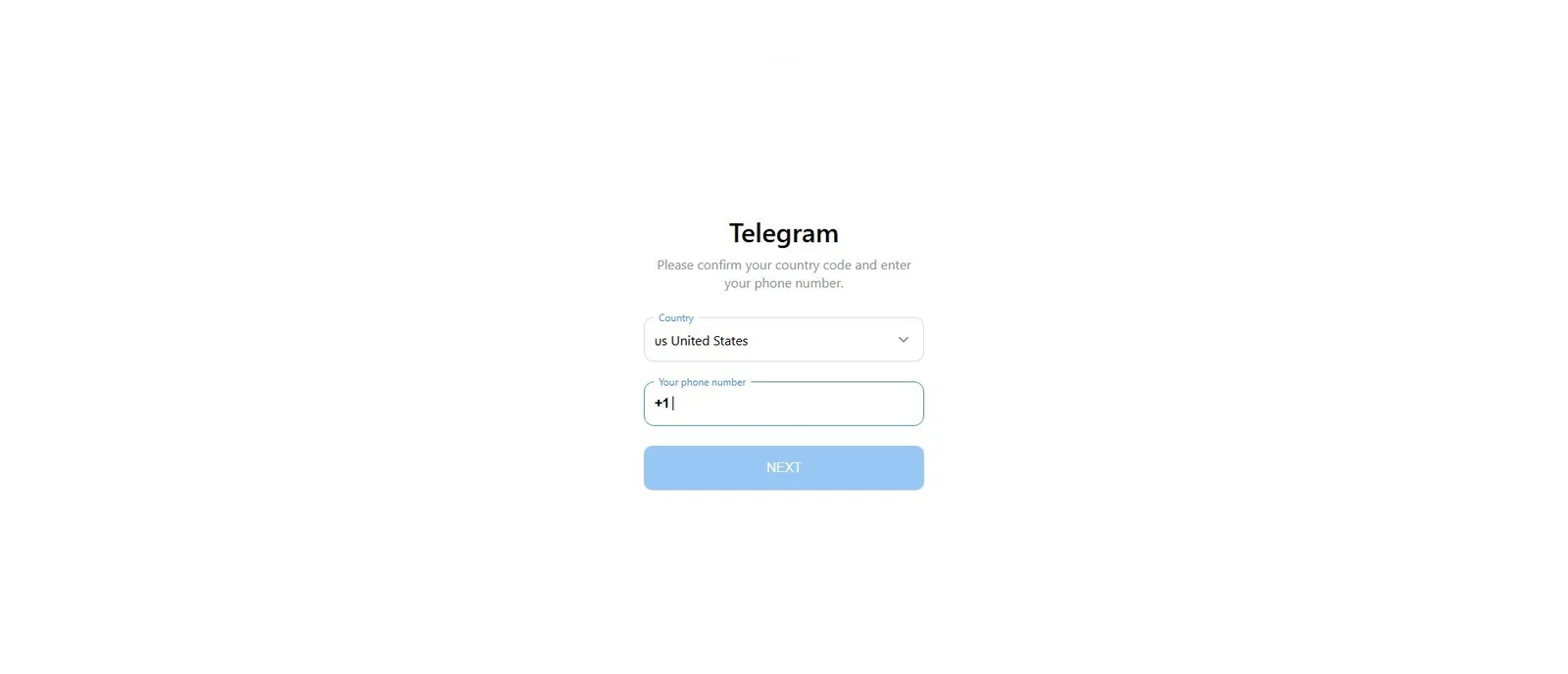
ScanMalware (a web-scanning service) posted on Mastodon (and on X as @scanmalware) on 28 November 2026 'High Risk' verdicts for pub-0975abc4d1c34773ac2a4eba07d040aa.r2.dev, pub-4fc0ceba2f584ca3b75baab29be7369a.r2.dev and pub-51e3431309c14b79ac7e7080ec806291.r2.dev. According to ScanMalware's linked analyses, each anonymous Cloudflare R2 public bucket serves a gate page matching an analyst-vetted 'self-hosted Turnstile gate kit — "Verifying site connection..." sc.php loader' and a high-precision hunting rule. ScanMalware says the gate carries a hidden base64-encoded next-stage URL and loads a script from a third-party (usually compromised) site, acting as a cloaking step before a credential-phishing page. No form is on the gate itself, but links to these pages should not be followed. r2.dev is a shared hosting platform; only the subdomain(s) named here are reported, and the platform is not the operator. All of these hostnames also appear on the Phishing Army extended blocklist (list generated 28 November 2026), a public phishing domain blocklist.
How the scam works
These pages copy a familiar login, payment or delivery form so that a typed password, one-time code, card number or other personal detail goes to the operator rather than to the real company. The address is often a look-alike domain, a newly registered shop, or a free host such as Weebly, Wix, Firebase, Vercel, Workers or Pages. Some kits cloak the real form from scanners and only show it in certain countries or to certain devices. The brand whose name or logo appears is being impersonated and is not involved, unless the report says the page was planted on a compromised official site, in which case only that path is the phishing lure. Open the official app or type the company's real address yourself. If you already entered a password or a card number, change the password on the official site, turn on a new two-factor method, and contact the company and your bank.
Source
Source: https://scanmalware.com/result/612b5a6c-1b31-4025-aafe-6bd677fc0238
Source: https://scanmalware.com/result/1e1162d7-285a-4e77-a72d-749034b73e8e
Source: https://scanmalware.com/result/a2bdafe4-1117-42b6-a92d-eb907f92f1cf
Source: https://phishing.army/download/phishing_army_blocklist_extended.txt
Source: https://infosec.exchange/@scanmalware/117692616024343000
Source: https://infosec.exchange/@scanmalware/117692301470700668
Source: https://infosec.exchange/@scanmalware/117693520428602393