What happened
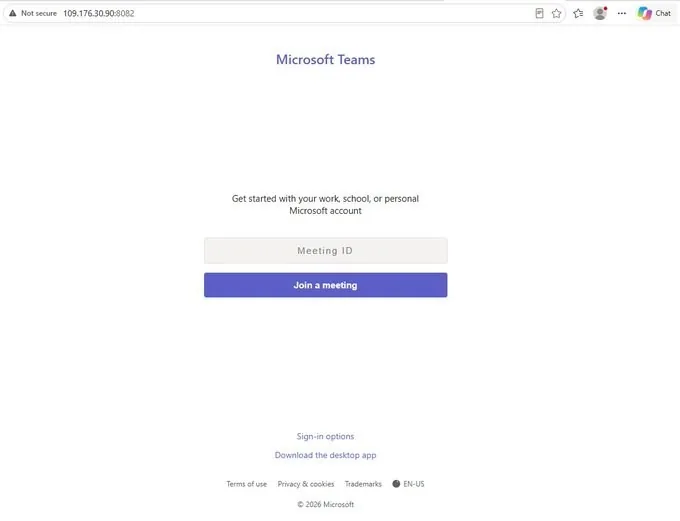
ITPro reported on 25 November 2026 that cybersecurity firm eSentire says a Microsoft Store app named "Setup Assistant" acts as a backdoor for a PowerShell-based remote access trojan eSentire calls "Vinci RAT". According to the report, the attack eSentire analysed began with a malicious download link posing as Microsoft's Snipping Tool; the spoofed installer instead downloaded the Setup Assistant app, a Microsoft-signed package from the Store, which communicates with command-and-control infrastructure that triggers a stager to download and run the RAT. eSentire also found related spoofed download domains for apps including Microsoft Teams and Roblox. The RAT's capabilities include DLL, shellcode and PowerShell execution, security tool discovery and file delivery; the stager uses an AMSI bypass and a scheduled task that relaunches the RAT every 10 minutes. ITPro says the app had been available for at least five months, was reported to Microsoft on 10 November, and was still available at the time of writing. The Store listing names a developer that shares its name with an unrelated registered UK company, which told ITPro it does not publish any software on the Microsoft Store. Microsoft, Snipping Tool, Teams and Roblox are the legitimate brands being imitated.
How the scam works
Impersonation schemes borrow a trusted name — a school, a police force, a bank, a well-known person or a regulator-registered firm — so that a message, a website or a phone number looks official. The real organisation is not involved and will not ask you to pay, log in or send money through a surprise link or an unlisted number. Look up the official contact details yourself and call or write there. If you have already paid or given personal information, contact your bank and report the incident to the police or your national cyber-crime service.
Source
Source: https://www.itpro.com/cyber-resilience/malware/cyber-firm-claims-microsoft-refused-to-remove-malware-infected-app-from-store